Free Software that I rely on. One per day, I guess.
Okay.... Day 1....
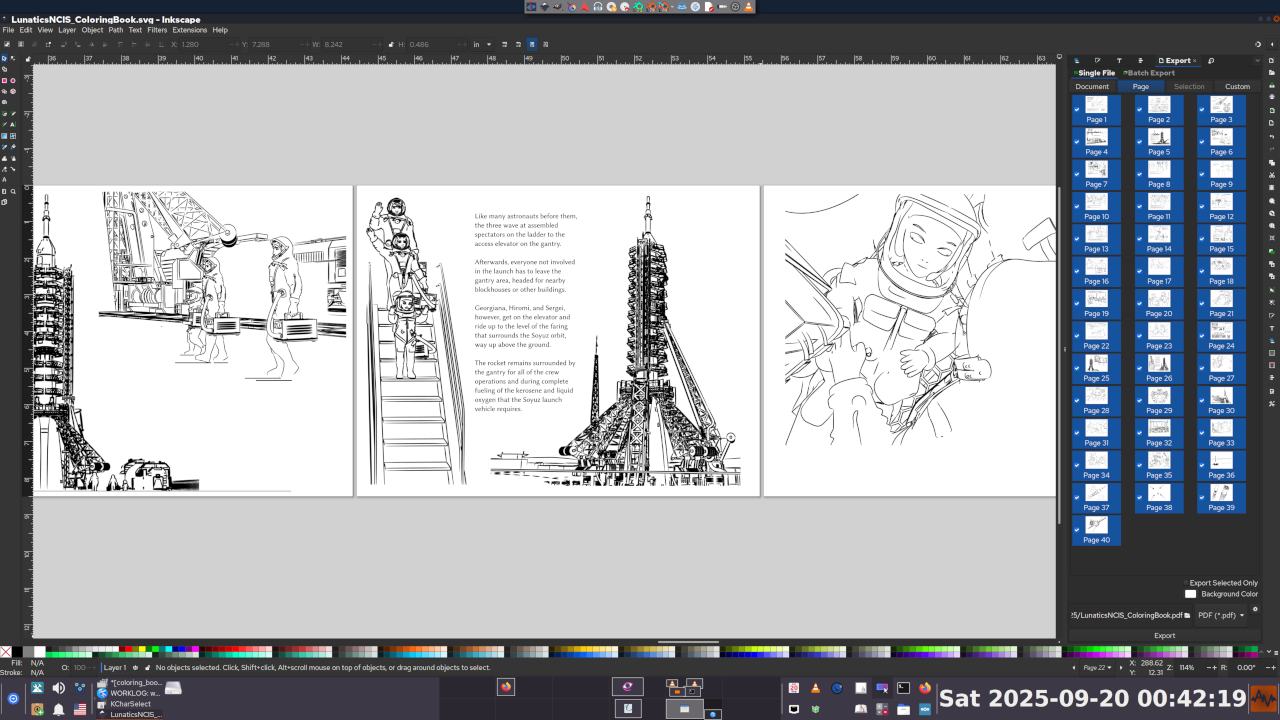
Inkscape
A vector graphics editor (edits SVG documents).
I use this in a lot of different ways whenever I need a drawing:
* Presentation slides
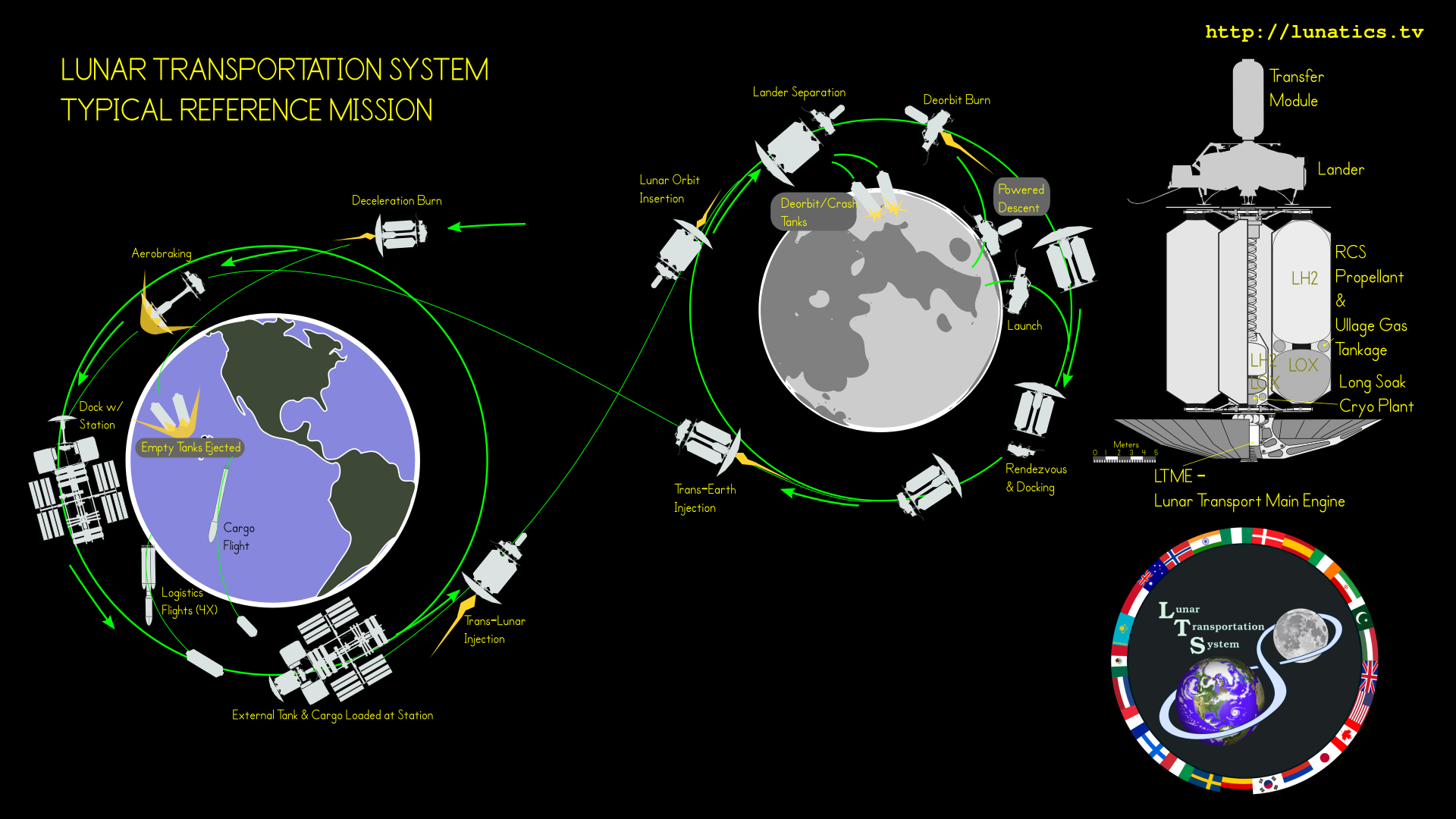
* Graphic illustrations/diagrams
* "Decal" graphics for 3D textures
* Layout of images or other graphics
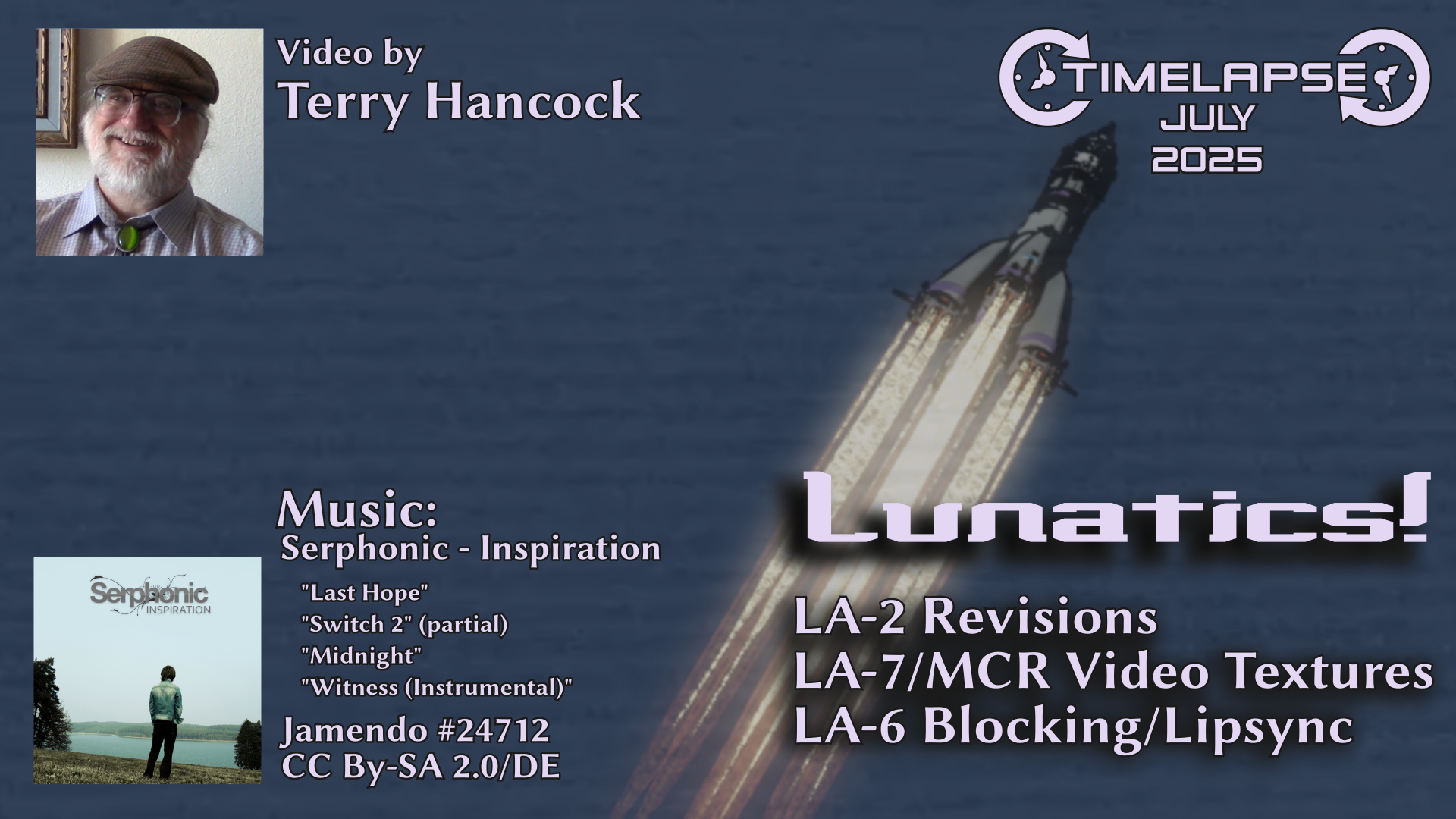
* Video poster/cover graphics
* Book design
Also included in most desktop Linux distributions, I believe.
Free Software that I rely on. One per day, I guess.
Day 2:
Gnu Image Manipulation Program
Known as #GIMP or as #GnuIMP by those who don't like the other name.
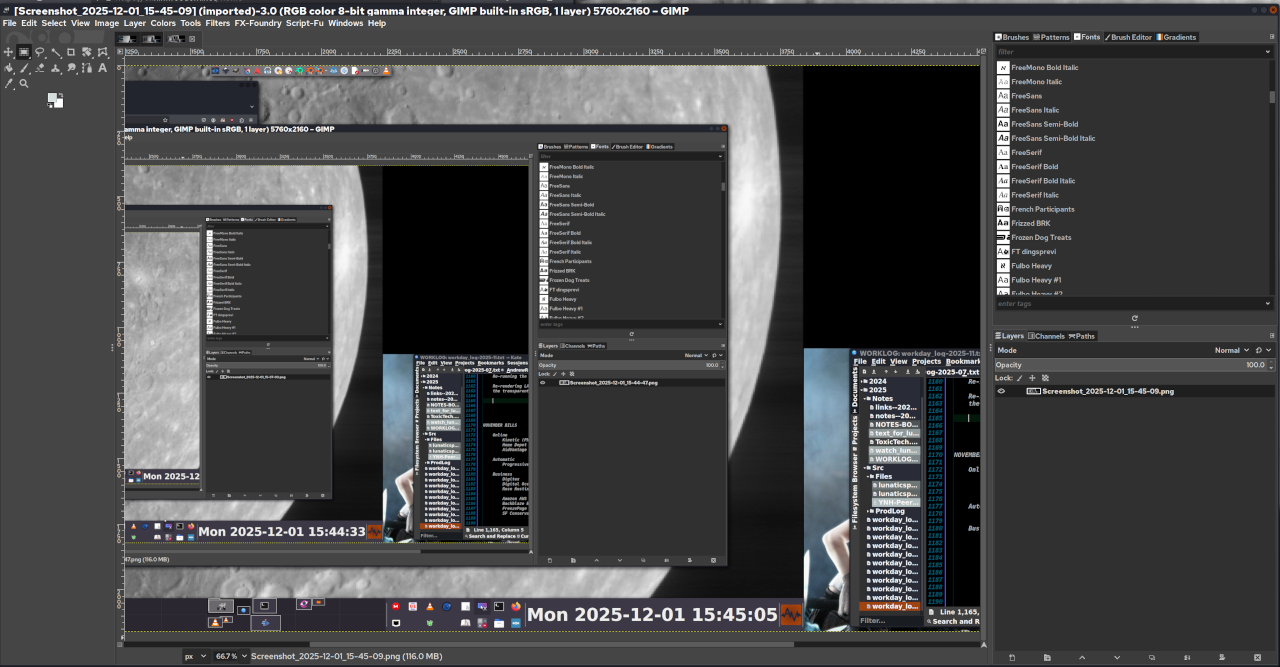
This is my go-to tool for basic image processing of photos and images for publication. It's a pretty common workflow for me to crop and/or enhance photos in Gimp and then load the output into Inkscape for layout work.
Also, FWIW, I learned it before I learned Photoshop, which frankly seemed kind of like a backward step to me, particularly in the way that Photoshop filters never seemed to have any controls (at the time -- this was 25 years ago and I haven't used Photoshop since then).
Which fuels my general belief that terms like "more intuitive" or "more powerful" are mostly a function of what you are familiar with.
It's one of the earliest graphics creation software packages I learned on Linux, and so it's become so much second nature that I hardly think about it anymore.
These days I use it all the time to crop and rescale screen captures, so I've attached one of cropping a screencap of itself.
Free Software that I rely on. One per day, I guess.
Day 3:
Krita
I think it's particularly important to mention Krita in the context of Inkscape and Gimp to differentiate them. For a long time, I basically thought of Gimp and Krita as competitors, but they serve different goals:
Gimp is, as the name says, for "image manipulation", whereas Krita is a DIGITAL PAINTING application. It is more focused on creating the art in the application than on tweaking existing elements. And while Krita and Gimp have limited vector art capabilities, they come nowhere near Inkscape in that category.
Since I'm not much of a digital painter, though, I have not really put Krita through its paces, nor trained myself extensively on it.
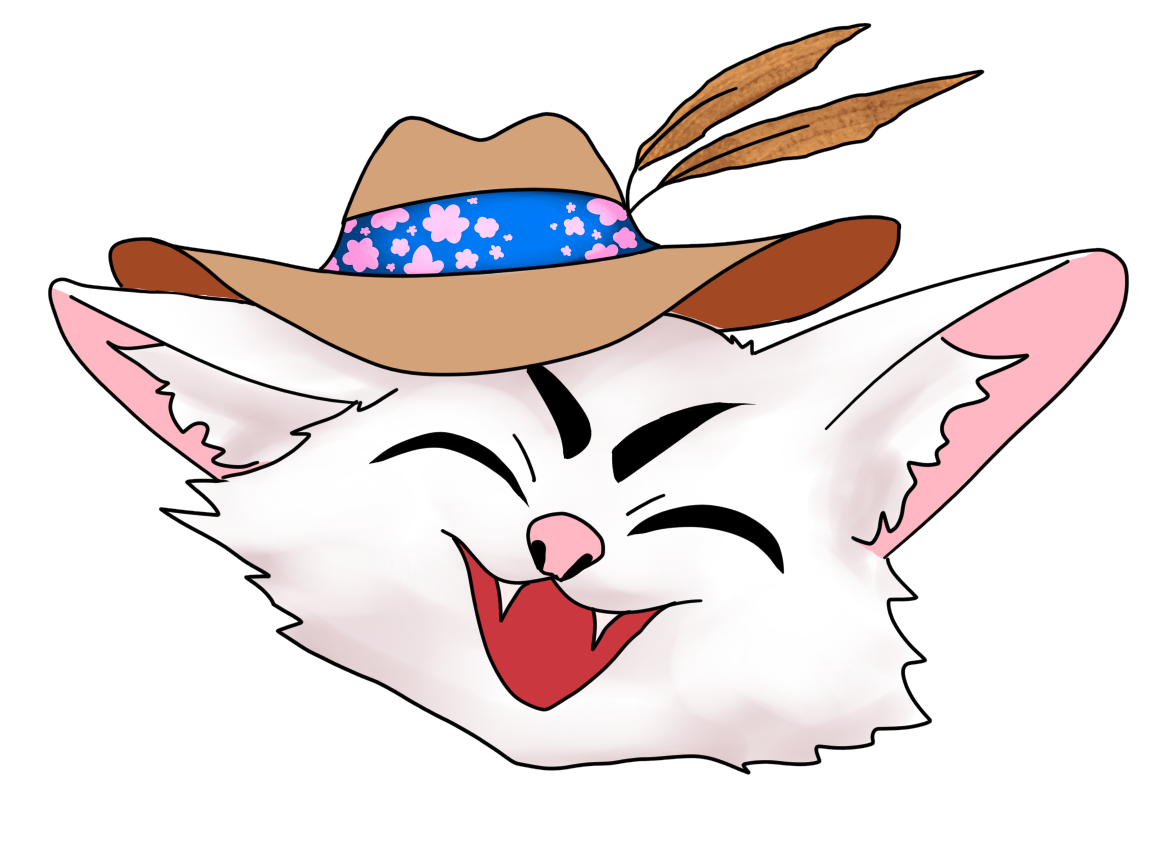
My daughter HAS, and she creates a LOT of character art using it. So she is the real Krita expert in the family. The "KitCAT" logo below is one I commissioned from her as a studio mascot.
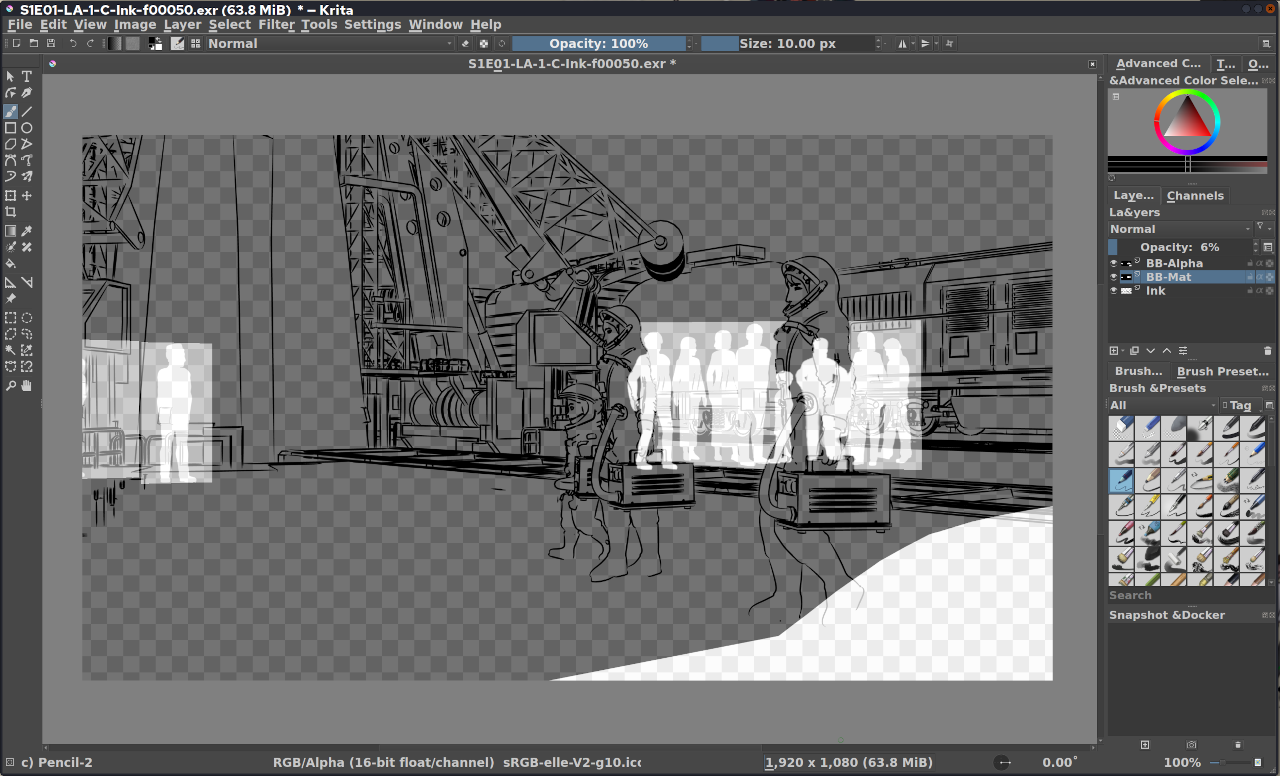
But it has some other useful features for me -- the one I use the most is that it can open 16-bit graphics I use for some backdrop textures in Blender and also the Multilayer EXR files generated from Blender. This makes it the easiest way for me to check them (the attachment below shows a recent "Ink" render, including masks for "billboard extras").
Free Software that I rely on. One per day.
Day 4:
Papagayo NG
This one fills a very important niche in my pipeline. It is a tool to make it much easier to line up lip movements to speech.
This is not an AI tool and does not do the alignment for you, but it makes it much it easier to do.
We used this extensively in "Lunatics!", particularly for the long dialogues in the Press Conference.
Morevna Project maintains this program, which is a fork of the original "Papagayo" with some enhancements. Hence the "NG":
https://morevnaproject.org/papagayo-ng/
I've attached the 2015 "2-Min Tutorial" in which I briefly explained how to use the program.
#FreeSoftwareAdvent #Papagayo #PapagayoNG #Lipsync #Animation
The follow-up tutorial explained how to import the file exported from Papagayo into Blender:
https://tv.filmfreedom.net/w/jSp1opgLKFPs7TikW2JHcx
#Animation #Lipsync #Blender3D #PapagayoNG
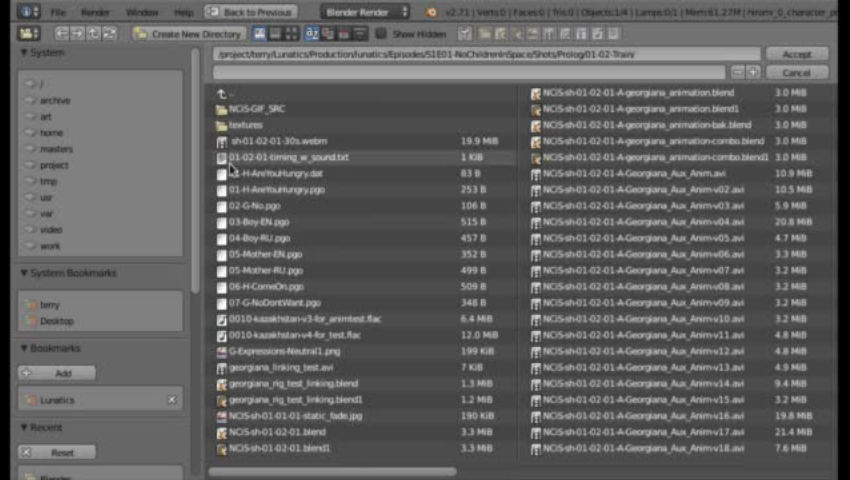
In this 2nd tutorial on lipsync with Papagayo for Blender, I explain how to import the MOHO .dat lipsync file into Blender for animation. Direct link to the download page for the script on our site...
"...on our production website..."
I guess that's another thing I need to find and upload.
I've also got a language patch for Japanese for Papagayo... SOMEWHERE. :neko_tired:
Ah well. I think Morevna has a copy of the Blender extension, too.